Edit the color, number, item name, and delete the added item.
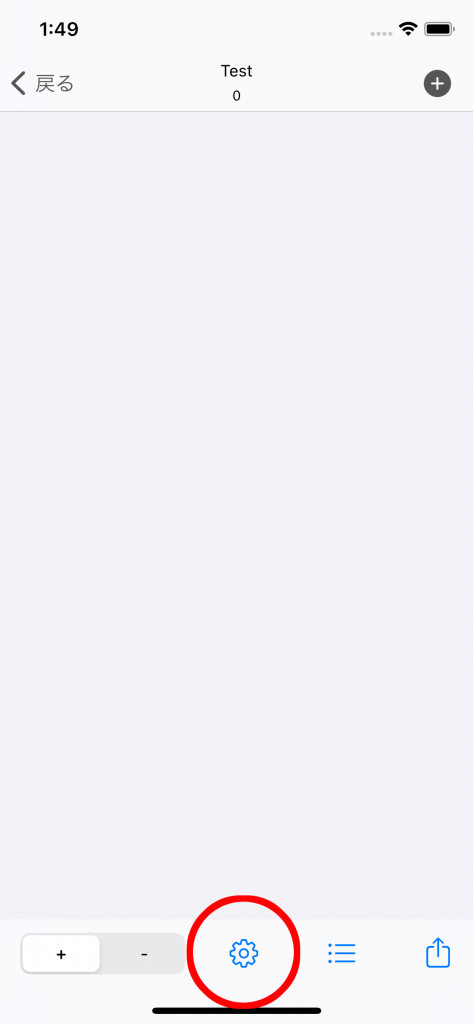
Tap the setting button at the bottom of the screen
Change the number of counts
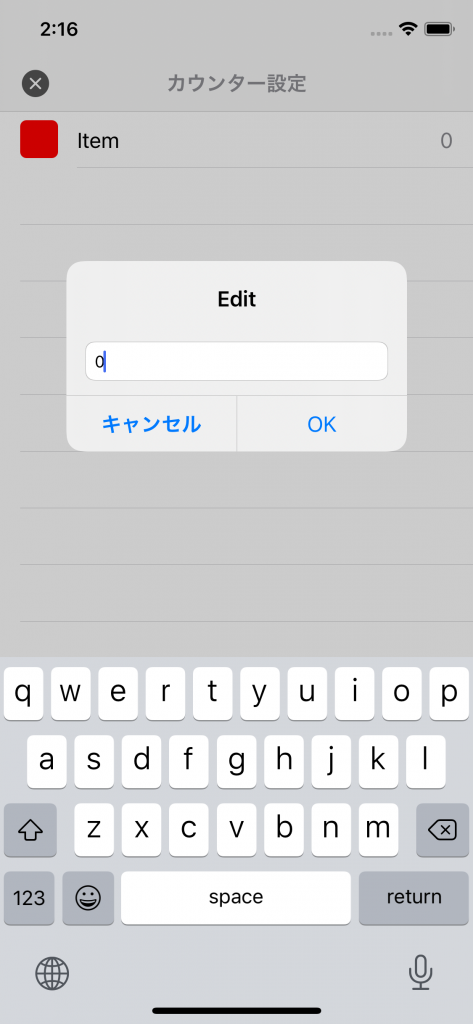
Tap the item whose count you want to change

Enter any number (integer only)
Change color settings
Change the color setting of the counter
Swipe the item you want to change from right to left to display the menu and display the palette.
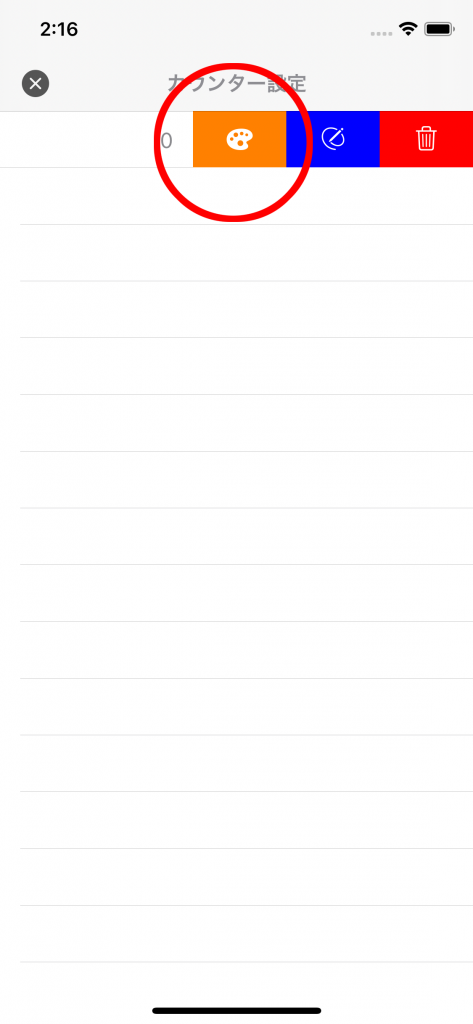
Select the desired color from the palette

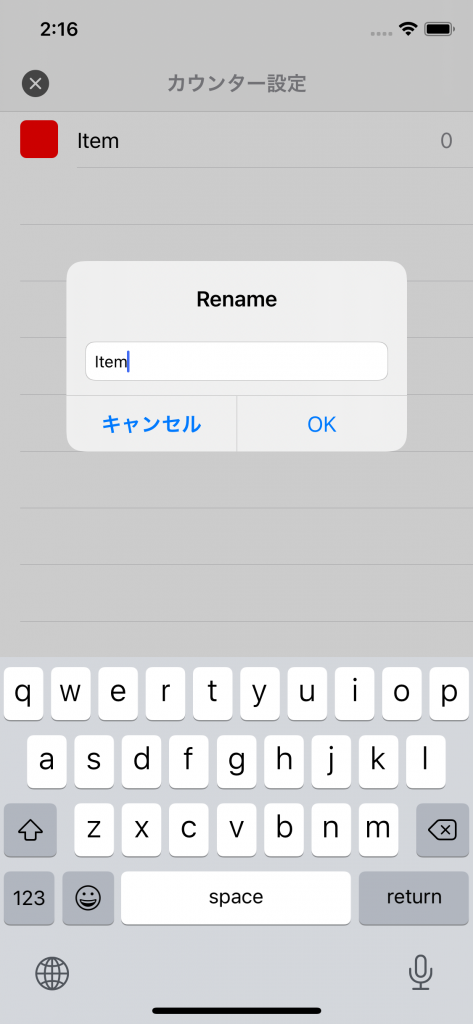
Item name change
Swipe the item you want to change from right to left to display the menu and select the pen
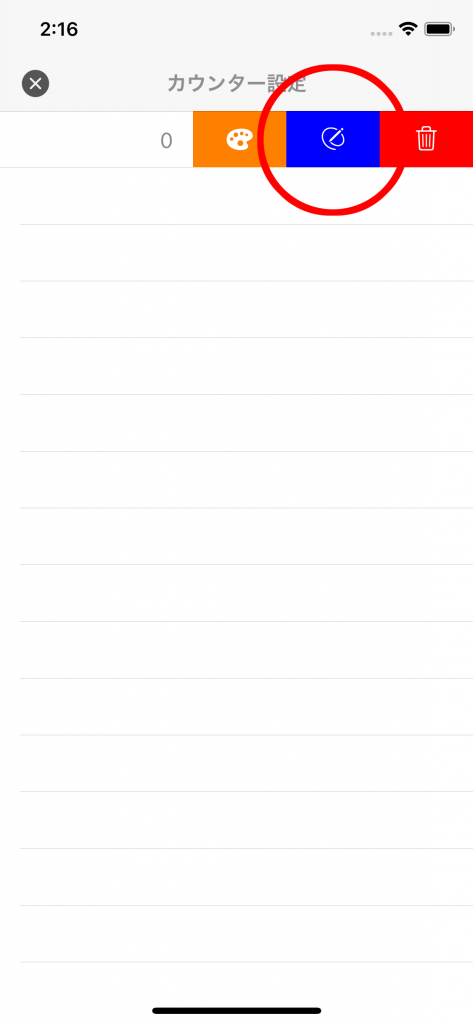
Please enter the item name
Delete item
Swipe from right to left you want to delete to bring up the menu
Tap the delete button to delete the item
